
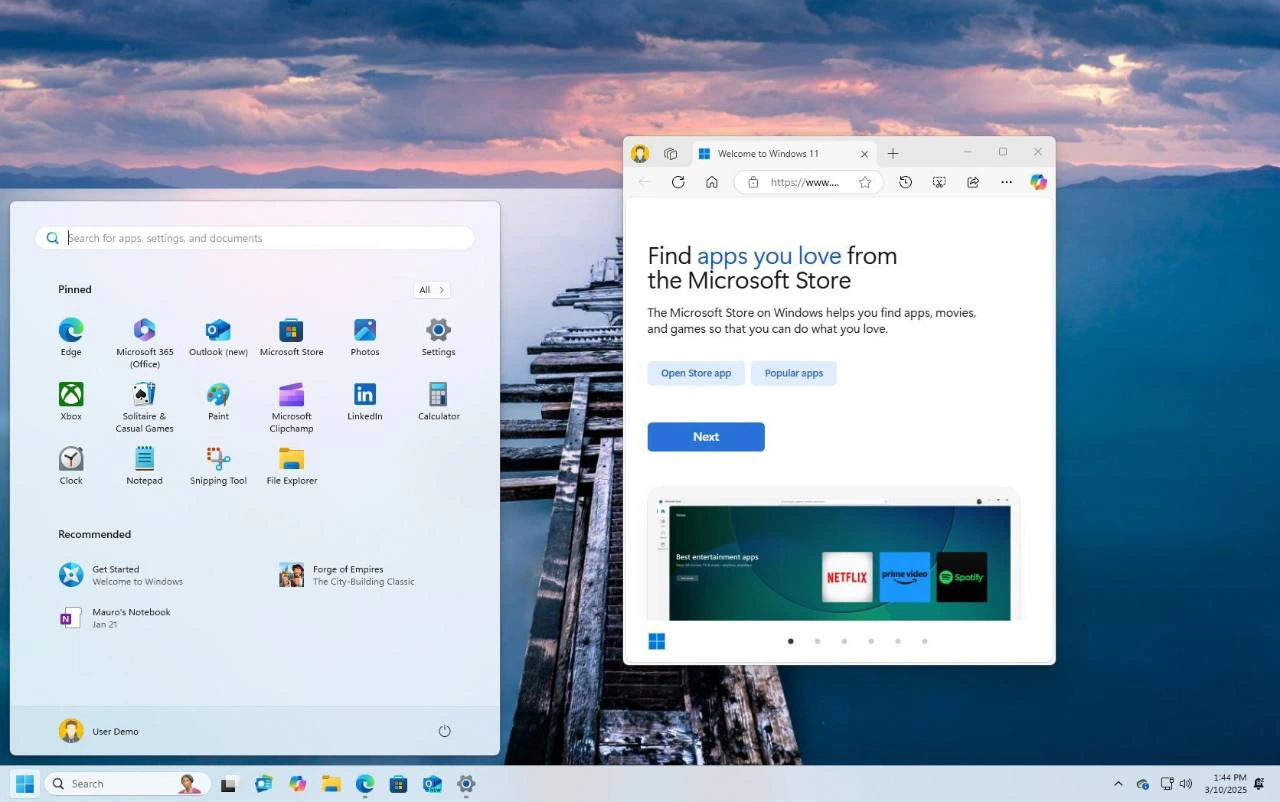

Windows 11 desktop displaying the Start menu and a Microsoft Store welcome guide

We Speak English

Laptops & PCs

PC Setup & Windows Reinstallation

We set up new or existing PCs with updates, Wi-Fi, printers and the apps you use. We reinstall genuine Windows using official Microsoft installation media. We’ll check your licence and talk through which photos, documents and other files to back up first.

Quote before work starts

Local pickup and return are included at no extra charge on agreed repairs.

See the Areas We Cover

What This Service Covers

We check the Windows edition and licence, what the PC can run and which apps, files and devices you need after setup.

Discuss what needs to change

A new computer might just need personal setup and its everyday devices connected. If an existing PC struggles to start, we look at the messages it shows and whether the drive or another part needs attention first.

Tell us if the job is setting up a new machine, getting past a startup problem or starting over with Windows. This helps us set out the choices and identify anything that would be erased.

Plan for files, apps and licences

Before a clean installation, decide what you need to keep. Documents, browser bookmarks, saved email and folders shared with someone else may all need different attention.

We check the Windows edition that suits the computer and discuss activation. Separate software such as office or accounting programs can require its own licence information. Tell us which ones you rely on.

Make the computer ready for daily use

Tell us which printer, scanner, display or accessories you use so we can agree what to set up. If something works through an account, you can enter the sign-in information yourself when needed.

We can discuss accessibility preferences such as larger text. Mention anything that makes the computer easier to use, including the keyboard language, the browser you know and shortcuts you need to find again.

Common Reasons to Get Help

  • Windows starts to load and then restarts or returns to a recovery screen.
  • A new PC is ready to switch on and you need it set up for your everyday work.
  • You are replacing the drive and need Windows and your usual devices available again.

What to Send for a Quote

Tell us the computer model, whether Windows still starts and which files you want to keep. Mention any printer or apps you use regularly.

  • Send the computer model and a photo of any startup or activation error.
  • Tell us what files to keep, even if you think they’re already backed up.
  • List the apps and accessories you use and keep the account credentials with you.

Questions About This Service

Will I need a new Windows licence?

It depends on the licence you already have and the edition you need. We check that with you before reinstalling Windows.

Do I need to back up my files first?

A clean installation can erase files. Tell us what you want to keep so we can discuss your backup before starting.

Can I ask for larger text or a familiar desktop?

Yes. Tell us how you like to use the computer. We can include suitable display settings, keyboard language and shortcuts in the setup you agree.

Will a fresh Windows installation fix a computer that keeps turning off?

We check what triggers the shutdown. If the fault is with a part or the power supply, the computer may need separate work before setup.

We Won’t Be Beaten on Price

Show us another quote for the same work and we’ll do it for 10% less.

Show Us Your Quote

Ways to get help

Local pickup and return

We can collect and return your device in La Marina and San Fulgencio. Ask about pickup in nearby areas.

Ask about pickup

Help at home

We can help with TV, Wi-Fi and device setup at your home, depending on the job.

Explore home help

Mail-in repairs

Book from across Europe and post us your device. Diagnosis is €25 plus return postage.

Book a mail-in repair