
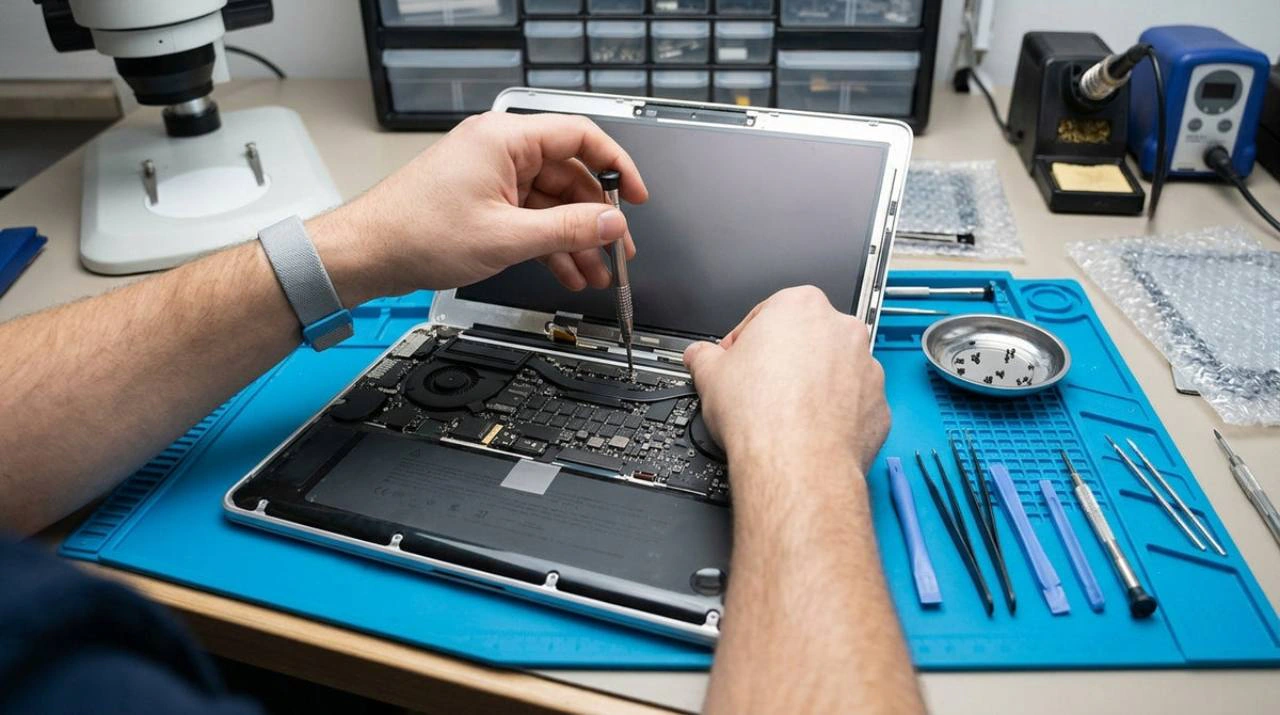

Open laptop with its display exposed during a repair

We Speak English

Laptops & PCs

Laptop Screen Replacement

If your screen is cracked, shows lines or has gone blank, we check the screen and its cable first. We’ll tell you if the screen needs replacing.

Send the full model number so we can check for original or compatible screens. We’ll confirm the price and give you a time estimate once we know which panel fits and whether it’s available. After fitting, we test the picture, brightness and touch where applicable.

Local pickup and return are included at no extra charge on agreed repairs.

See the Areas We Cover

What This Service Covers

We look at the panel and display cable, then check the screen specifications for your laptop before pricing a replacement.

Work out where the picture disappears

The panel can be damaged even when the front surface looks intact. Dark patches, blocks of colour or fine lines that appeared after pressure on the lid help identify what to inspect.

A picture that appears on an external monitor while the laptop stays dark can be a useful clue. We still need to check the built-in display and its connection before deciding what needs work.

Choose a screen to suit the laptop

The exact panel matters. Laptops with the same screen size can have different resolutions, fixings or connections. If yours is a touchscreen or has an unusually high refresh rate, let us know so we can check suitable options.

A bent lid or damage near the hinges can put pressure on a replacement screen. We look at the lid and the frame around the panel to see if they also need attention.

Check the display in everyday use

We check the picture and brightness after the work. Where the screen supports touch, touch response is part of the check. Let us know if the fault is only visible with a certain app or while the computer is warming up.

A photo with the screen on is useful if you can take it safely. If the lid catches or the casing is coming apart, leave it in a comfortable position and tell us before moving it.

Common Reasons to Get Help

  • An ink-like dark patch or coloured lines remain in the same place.
  • The screen flickers at one lid angle or goes black when the laptop moves.
  • The screen is lit but only part of the picture is visible.

What to Send for a Quote

Send the model and a photo of any cracks or lines. Tell us if the picture changes when you move the lid.

  • Include the complete model code and say if the original screen is touch-enabled.
  • Photograph the display and the edge of the lid if you can see damage.
  • Tell us if an external screen already works with the laptop and whether the fault began after a knock.

Questions About This Service

Can a blank laptop screen be caused by the cable?

Yes. A loose or damaged display cable can cause a blank or flickering screen. We check it along with the panel before recommending a replacement.

Can you match a matte screen?

Tell us which finish you have and what you prefer. We can discuss suitable panels for the exact model if there’s a choice.

Does a broken hinge affect the screen repair?

It can. A loose hinge attachment can pull on the lid or display cable. We assess that area before fitting a new panel.

We Won’t Be Beaten on Price

Show us another quote for the same work and we’ll do it for 10% less.

Show Us Your Quote

Ways to get help

Local pickup and return

We can collect and return your device in La Marina and San Fulgencio. Ask about pickup in nearby areas.

Ask about pickup

Help at home

We can help with TV, Wi-Fi and device setup at your home, depending on the job.

Explore home help

Mail-in repairs

Book from across Europe and post us your device. Diagnosis is €25 plus return postage.

Book a mail-in repair