
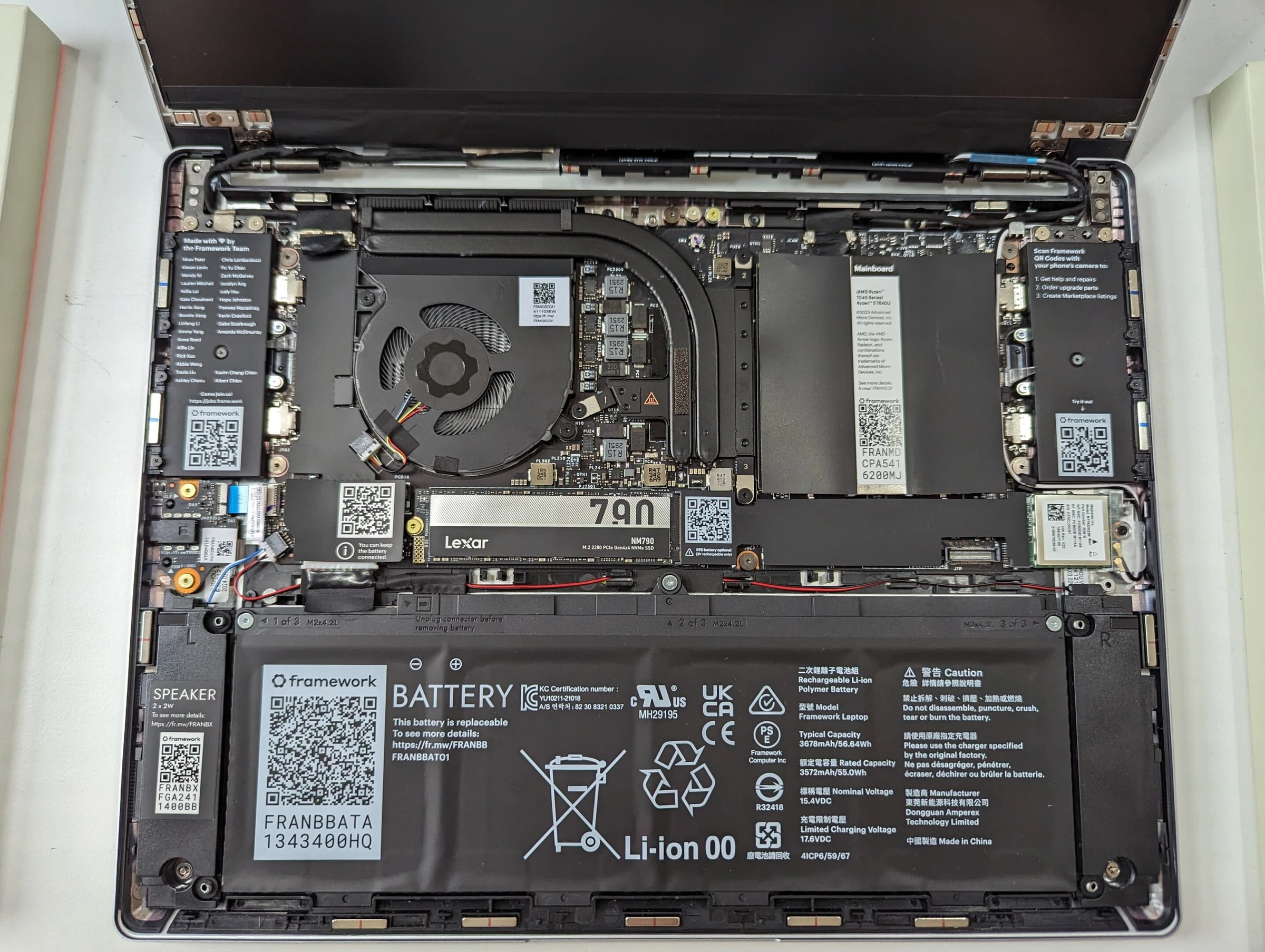

Open laptop showing its SSD and memory area

We Speak English

Laptops & PCs

SSD & RAM Upgrades

Does your computer take ages to start or run out of space? We check if a faster drive (SSD) or more memory (RAM) would help. If we can read the old drive, we’ll talk through moving Windows and your files.

Local pickup and return are included at no extra charge on agreed repairs.

See the Areas We Cover

What This Service Covers

We check the type of drive and memory your computer takes, how much it already has and whether there’s room to upgrade.

Recognise the kind of slowdown

An older hard drive can make startup and opening familiar programs feel slow. If the computer starts reasonably well but struggles when you switch between several apps, how much working memory it has is worth checking.

Poor performance can also come from an almost full drive, a drive that is failing or a program running in the background. We consider what changed before recommending a storage or memory upgrade.

Check what your model can take

We match the replacement to the computer’s storage connections and available space. For a memory upgrade we check whether the RAM can be changed, what type is fitted and whether there is a spare slot.

Tell us what you want to improve. A computer for email and browsing can have different needs from one that stores years of photos, runs large spreadsheets or switches between several demanding programs.

Plan the move to the new drive

If the existing drive is readable, we can discuss copying your current setup or starting with a fresh Windows installation and moving selected files. Any apps or licences you rely on should be part of that conversation.

After fitting supported parts, we check that the computer recognises the new capacity and starts as expected. A drive or memory change can help with some everyday slowdowns. Its effect depends on the original problem.

Common Reasons to Get Help

  • Windows and programs take a long time to load, even with very few apps open.
  • Switching between a browser, email and other programs makes the computer lag.
  • You keep getting low-space warnings or have to delete files to add new ones.

What to Send for a Quote

Tell us the model, when it feels slow and how much extra space you need. Say if you want to keep your current Windows setup and files.

  • Tell us your model and the apps you usually have open together.
  • List the files and accounts you need to keep on the new drive.
  • Mention drive warnings or errors before running extra tests or resetting the PC.

Questions About This Service

Will an SSD or more RAM help more?

An SSD can shorten startup and loading times when it replaces a hard drive. More RAM can help when the computer slows down with several apps open. We’ll check what makes sense for your model.

Is an upgrade possible if my RAM is built in?

Some laptops have fixed memory. We check your version for any available memory slot and can discuss drive options separately.

Can I have more space and keep Windows as it is?

Possibly. The current drive’s condition and how your files are stored determine the options. Let us know if keeping the existing setup is important.

We Won’t Be Beaten on Price

Show us another quote for the same work and we’ll do it for 10% less.

Show Us Your Quote

Ways to get help

Local pickup and return

We can collect and return your device in La Marina and San Fulgencio. Ask about pickup in nearby areas.

Ask about pickup

Help at home

We can help with TV, Wi-Fi and device setup at your home, depending on the job.

Explore home help

Mail-in repairs

Book from across Europe and post us your device. Diagnosis is €25 plus return postage.

Book a mail-in repair