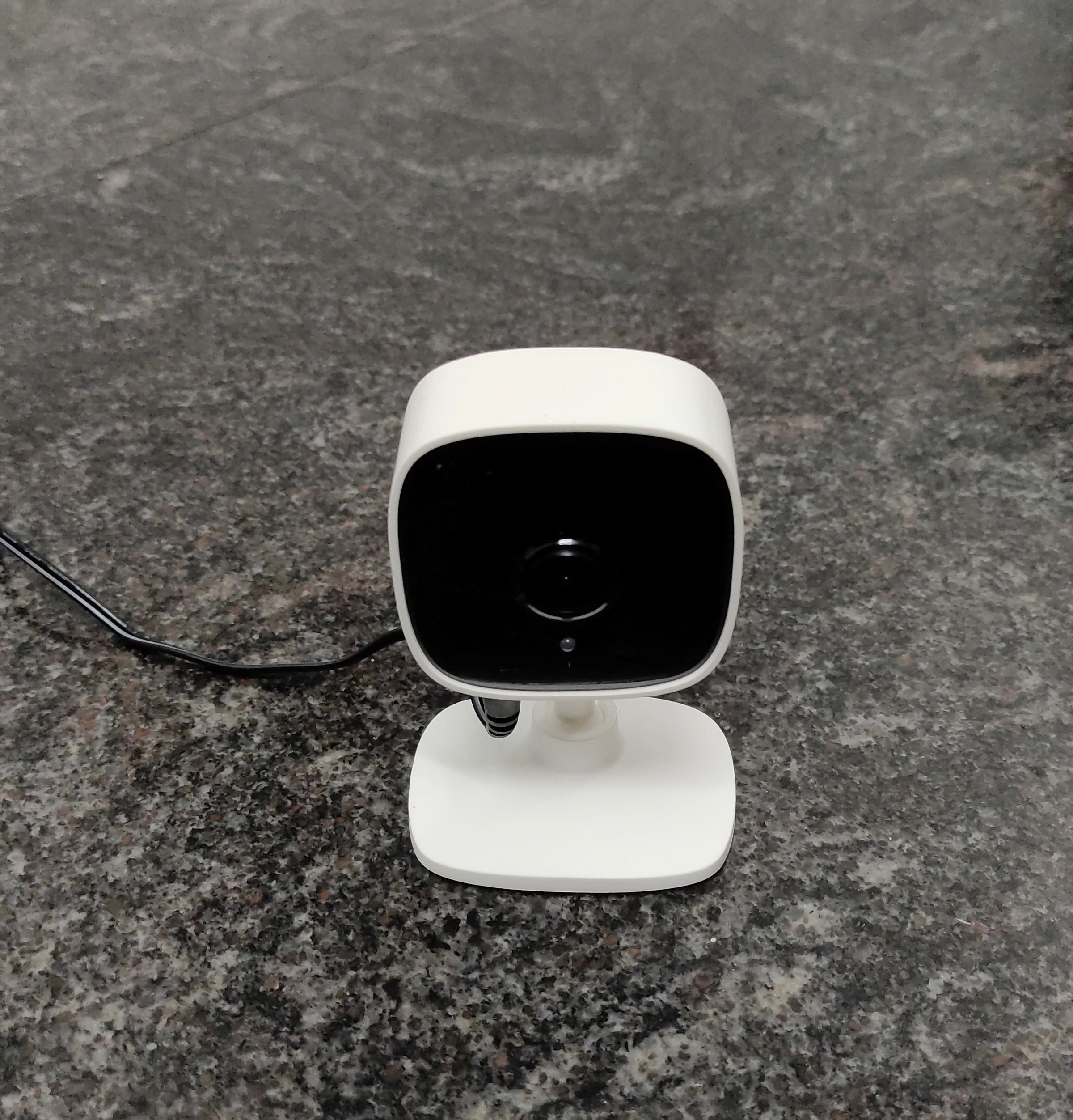
Plug-in Wi-Fi security camera on a countertop

We Speak English

Home Tech & TV

Smart Doorbells, Cameras & Home Devices

We connect compatible doorbells and cameras to your Wi-Fi and the maker’s app. We can set up alerts and show you how to see who’s at the door from your own phone.

See the Areas We Cover

What This Service Covers

We check the Wi-Fi signal where the camera or doorbell will sit and how it connects to the manufacturer’s app. If the live view works but alerts don’t, we look at the settings on the device and your phone.

Check the connection where the device will be used

A camera or video doorbell can work near the router and struggle by the front gate. We look at the signal in the place you want to use it, how the device gets power and whether its app supports your phone.

If it was already working and then stopped after a router change, the device may still remember the old network. Tell us whether the router name changed and what the manufacturer’s app shows when you open it.

Set up the app with the right account

If the device needs a manufacturer’s account, the person who will manage it should be available. They can sign in themselves so the device is added to the right account. For equipment already in use, it helps to know who set it up originally.

We can talk through who needs access to the live picture or doorbell alerts. Access and sharing options depend on the model and the app. We will check what the equipment supports before changing how it is shared.

Test alerts in the way you will use them

A live picture and a doorbell alert are separate things to test. We can try a doorbell press or an activity alert and check how it appears on the phone. We also look at whether notification settings prevent an alert from showing.

If you receive too many alerts, tell us what is causing them and which ones you want to keep. Some devices let you change motion zones, sensitivity or alert timing. We can help you find the options your model provides.

Common Reasons to Get Help

  • The doorbell connects indoors but drops offline when installed outside.
  • You can see live video but never get a notification.
  • A camera or doorbell stopped working after a router or phone change.

What to Send for a Quote

Tell us the make and model, where you want to use it and whether it’s already connected. If it used to work, tell us whether you lost the live picture, the alerts or both.

  • Send the device model, the app name and the kind of phone you want to use.
  • Tell us where the unit sits and how it gets power.
  • Have the person who owns the device account available for any sign-in.

Questions About This Service

Can I see the camera on my own phone?

We can help you set up the manufacturer’s app on a compatible phone and choose which alerts you want. You can sign in to your account during setup.

Can my partner also receive the doorbell alerts?

Some apps allow the owner to invite another user. Share the model and the app name so we can check the options for your device.

Can you reconnect a doorbell after I change internet provider?

We can help check the new network and reconnect compatible devices. Tell us whether you can still sign in to the device’s app.

We Won’t Be Beaten on Price

Show us another quote for the same work and we’ll do it for 10% less.

Show Us Your Quote

Ways to get help

Local pickup and return

We can collect and return your device in La Marina and San Fulgencio. Ask about pickup in nearby areas.

Ask about pickup

Help at home

We can help with TV, Wi-Fi and device setup at your home, depending on the job.

Explore home help

Mail-in repairs

Book from across Europe and post us your device. Diagnosis is €25 plus return postage.

Book a mail-in repair