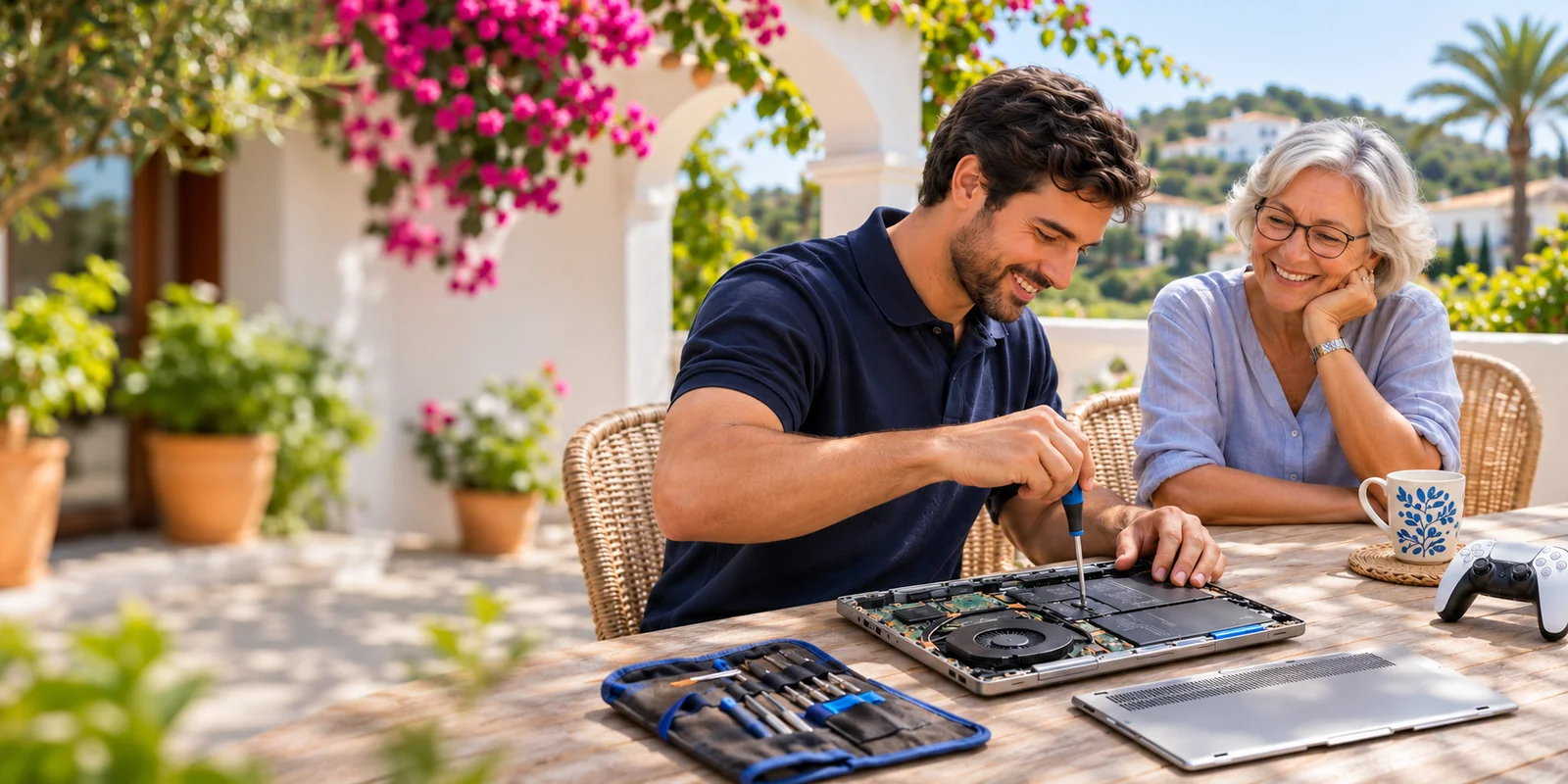
Two older adults using a laptop together at home

We Speak English

Home Tech & TV

Computer Help at Home

Get help setting up a new computer, getting your email working or sorting out everyday problems with your current computer.

See the Areas We Cover

What This Service Covers

For a new computer, we go through the apps, email and devices you want to use. If something has stopped working, we check when it happens and which apps or devices are affected.

Set up the things you use every day

Tell us what you want to be able to do when we leave. For some people that means opening email, joining a video call and printing a document. Others need a new computer set up with their usual browser, files and keyboard.

We can work through your list with you and check that your shortcuts and settings make sense for your routine. If an account requires a password or a sign-in code, you can enter it yourself during the visit.

Work out what has changed

An email problem can start after a password change, while a computer may stop finding a printer after the router is replaced. We ask when things last worked and what changed around that time so we can check the right settings first.

If an everyday problem points to a failing part, we’ll explain which checks can be done at home and whether it makes sense to arrange a separate repair. Mention any unexpected shutdowns or noises when booking.

Plan a move to a different computer

If you have bought a replacement computer, decide which documents, pictures and folders matter most. We can check what can be read from the previous computer and whether the files are stored there, in a cloud account or on a separate drive.

Some applications have their own licence or sign-in. Make a short list of the ones you rely on so we can discuss which are suitable for the new machine and whether you need to have the original account available.


Common Reasons to Get Help

  • You have a new computer and want it set up for everyday use.
  • Email, printing or video calls stopped working after an update or equipment change.
  • You can still use the computer, but an error keeps interrupting your work.

What to Send for a Quote

Send your computer model, your area and any message you see on screen. If you’re replacing a computer, tell us whether you need to keep photos or documents from the old one.

  • Make a short list of the jobs you want help with and put the most important first.
  • Have the power supply and any accessories involved available.
  • Keep the phone you use for sign-in codes nearby. Leave passwords out of your enquiry.

Questions About This Service

How do I sign in to my email during the visit?

You can enter your password and any sign-in code yourself. Tell us which email service you use when you get in touch.

Can you look at a problem that only happens sometimes?

Tell us what you are doing when it happens, how often it occurs and whether any message appears. A photo of the error can help if it fails at a different time from the visit.

Can I arrange help for a family member?

Yes. Tell us who uses the computer, what they want help with and who can be available for the visit and any account sign-ins.

We Won’t Be Beaten on Price

Show us another quote for the same work and we’ll do it for 10% less.

Show Us Your Quote

Ways to get help

Local pickup and return

We can collect and return your device in La Marina and San Fulgencio. Ask about pickup in nearby areas.

Ask about pickup

Help at home

We can help with TV, Wi-Fi and device setup at your home, depending on the job.

Explore home help

Mail-in repairs

Book from across Europe and post us your device. Diagnosis is €25 plus return postage.

Book a mail-in repair