
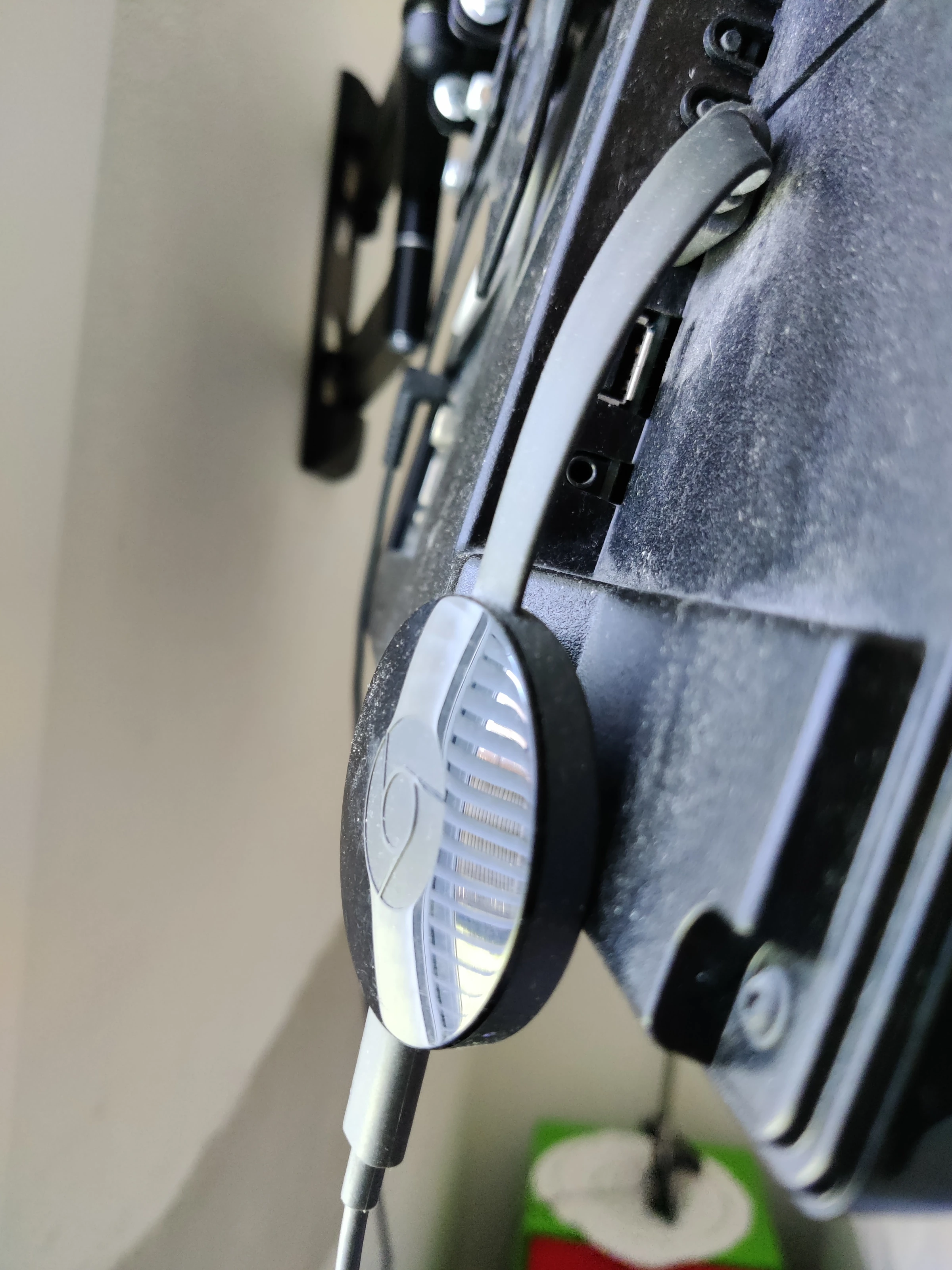

Chromecast connected behind a flat-screen television

We Speak English

Home Tech & TV

Smart TV, Streaming & Soundbar Setup

We can tune your TV, set up apps and connect a streaming stick or soundbar. If there’s a picture but no sound, or the remote won’t change inputs, we’ll check the cables and settings.

See the Areas We Cover

What This Service Covers

When the picture works but the sound is missing, we check where the TV is sending its audio. We also check the input and cables if a streaming stick or box shows a blank screen.

Work out which box or app needs attention

A Smart TV can run apps of its own as well as show a picture from a plugged-in streaming stick or box. If the main TV menu works but one source goes blank, we focus on that source and how it is connected.

When a single app gives an error, we check whether its account works and whether that version of the app can run on the device. If several apps regularly stop halfway through a programme, we look at the connection and the device as well.

Get the picture and the sound working together

A soundbar may use HDMI with audio return, an optical cable or another connection supported by both devices. We check the labels on the sockets to see what they share, then set the TV to use the appropriate audio output.

It helps to test sound on every source you use. A soundbar may work in an app while a connected games console or set-top box is still silent. Tell us which sources have good sound and which give you trouble.

Make everyday controls easier to use

Different devices may respond to different remotes. We can help you identify which control changes the source, which one operates the app and which one adjusts the volume. Compatible devices may allow the TV remote to cover more of those jobs.

Before we finish, we can show you how to go from a programme back to live TV or to your usual streaming app. If an app requires a subscription or login, have the account owner available to enter the details.

Common Reasons to Get Help

  • The soundbar works on one source but is silent on another.
  • A streaming stick is connected and the TV still shows a blank screen.
  • The wrong remote changes the volume or turns off a device you still need.

What to Send for a Quote

Send the models of your TV, streaming device and soundbar, if you have one. Tell us whether the problem affects one app, every input or only the sound.

  • Send the models of the television, soundbar and plugged-in devices.
  • List the apps and inputs affected, with any error messages.
  • Keep the remotes for your boxes, soundbar and television together for the visit.

Questions About This Service

Can you connect the soundbar I already have?

Send us the TV and soundbar models. We’ll check which connections they share and how you can control the volume.

Can my existing television run a newer streaming service?

That depends on its model and the app. If the app is unavailable on the TV itself, we can look at whether a compatible external player would help.

Can you help with sound that is behind the picture?

Tell us if it happens on live TV, on one app, or across all sources. We can check the audio settings and the connection between the equipment.

We Won’t Be Beaten on Price

Show us another quote for the same work and we’ll do it for 10% less.

Show Us Your Quote

Ways to get help

Local pickup and return

We can collect and return your device in La Marina and San Fulgencio. Ask about pickup in nearby areas.

Ask about pickup

Help at home

We can help with TV, Wi-Fi and device setup at your home, depending on the job.

Explore home help

Mail-in repairs

Book from across Europe and post us your device. Diagnosis is €25 plus return postage.

Book a mail-in repair