
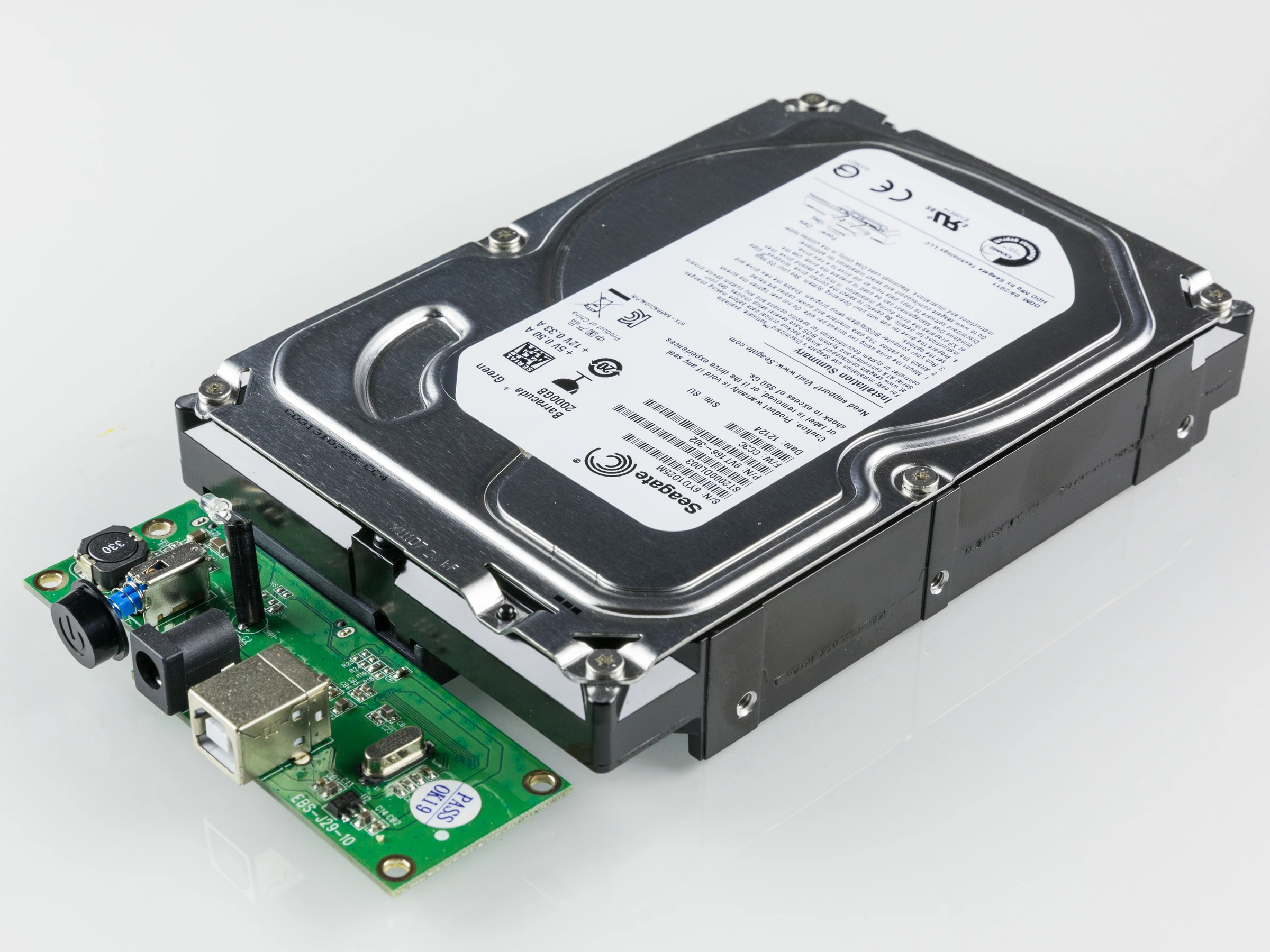

External hard drive with its USB adapter exposed

We Speak English

Laptops & PCs

File Backups & Data Transfer

We can copy photos and documents to a new computer or backup drive if the old drive can still be read. Tell us what you want to keep before we reset the PC, reinstall Windows or change the drive.

Local pickup and return are included at no extra charge on agreed repairs.

See the Areas We Cover

What This Service Covers

We check whether the old drive is readable and how much space the files will need on the destination computer or backup drive.

Decide which files matter most

Think of the folders you’d miss first: photos, documents, tax records or projects. If several people use the computer, tell us whose files you want copied and whether there are separate Windows accounts.

Some files are stored only online or are available through an account on your new computer. Others stay on the old drive. We’ll discuss where important items are stored and where you want to find the copies.

Check the old drive and choose a destination

We check whether the drive can be read and whether the destination has enough space. If the old computer is unstable, say whether it is slow, shows read errors or loses access to files during use.

A transfer can go to a new PC or a suitable backup drive. If the files are protected by encryption, you may need the recovery information. Keep account passwords and recovery keys out of your first message.

Know what comes across with a file copy

Copying folders moves the photos and documents inside them. Installed programs, activation details and settings need to be considered separately, especially if you’re moving to a different computer.

Before a reset, a Windows reinstall or work on the storage, agree what will be copied. Keep the old copy until you’ve opened your important files from the new location.

Common Reasons to Get Help

  • You have a new PC and want your folders arranged so you can find them again.
  • Windows no longer loads, but you need the documents on the old drive.
  • You are planning a drive replacement or reset and have files without a backup.

What to Send for a Quote

Tell us which folders matter most, whether the old computer still starts and where you want the copies to go.

  • List priority folders and any accounts that saved files separately.
  • Tell us what you plan to copy to and how much free space it has, if you know.
  • Mention read errors, unusual clicking or an encryption message before trying more copies.

Questions About This Service

Can you copy files from a PC that won’t start?

Sometimes. It depends on whether the drive can still be read. Tell us what happens when the PC powers on and which files you need first.

Will my old apps be ready to open after moving my documents?

Apps usually need to be set up separately on the destination computer. Tell us which programs and licences you depend on before planning the move.

Can you copy just one folder?

Yes, if we can read it. Tell us where it was stored and what files you expect to find there.

We Won’t Be Beaten on Price

Show us another quote for the same work and we’ll do it for 10% less.

Show Us Your Quote

Ways to get help

Local pickup and return

We can collect and return your device in La Marina and San Fulgencio. Ask about pickup in nearby areas.

Ask about pickup

Help at home

We can help with TV, Wi-Fi and device setup at your home, depending on the job.

Explore home help

Mail-in repairs

Book from across Europe and post us your device. Diagnosis is €25 plus return postage.

Book a mail-in repair