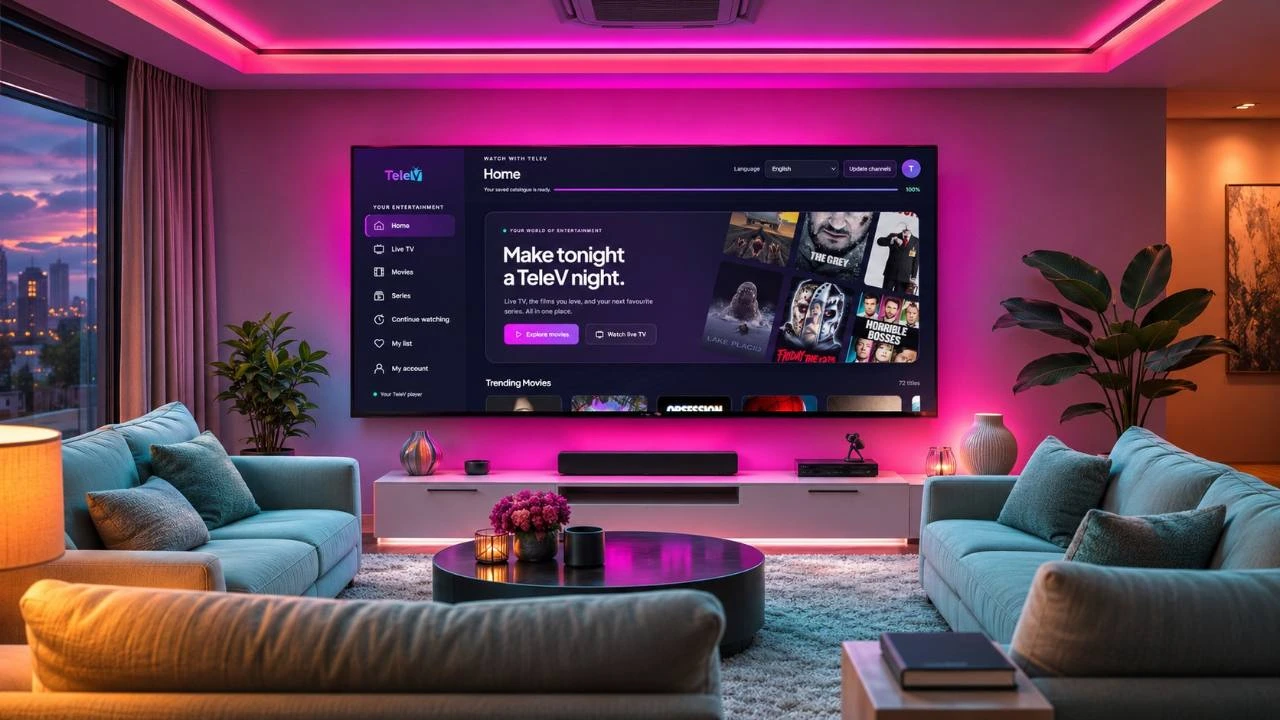
We check the Wi-Fi in the rooms guests use, reconnect the TV or streaming box and check that the remote is easy to use. If the signal is weak in part of the property, we can talk you through the router or mesh options.
Wi-Fi and TV Checklist Before Check-In
Run through these checks between bookings using the instructions and equipment a guest will find.
Join the guest Wi-Fi using the name and password in the welcome instructions. Use a device that hasn’t saved the network and temporarily switch off mobile data.
Play a short video in the living room, the main bedroom and any terrace or workspace you advertise. Note the room if the video stalls or the connection drops.
Turn on the TV with the guest remote. Check the input, volume, a live channel and one streaming app you say is available. Replace weak remote batteries.
Check that the guest instructions name the correct remote and TV input. If your router supports an isolated guest network, use it to keep the owner’s devices and router sign-in private.
Plan around changeovers and access
Let us know when the previous guests leave and when the next guests are expected. If a cleaner, caretaker or local agent can let us in, tell us who will arrange access. This helps us agree a practical window and what we can look at in it.
For owners who manage a property from overseas, it helps to have a local point of contact and someone who can make decisions about extra equipment. We can discuss the scope with you in advance and ask before any additional work.
Make the setup easy to hand over
We can help you work out what information to leave for guests, such as the network name, which remote to use and how to get back to live television. Simple instructions are useful when there are several remotes or when a guest speaks a different language.
If the property uses the owner’s TV account, tell us what you want guests to be able to watch and what access should stay private. We can check which apps and devices are compatible and discuss settings the owner can manage.
Common Reasons to Get Help
Guests report poor Wi-Fi in one bedroom or on the terrace.
The television works, but guests struggle to find the correct input or channels.
The property has a new router, remote or television and a changeover is coming up.
What to Send for a Quote
Send us the town, which rooms have problems, the make of the TV or router if you know it and when the property needs to be ready. If you manage it from abroad, tell us who can arrange access.
Include the address or town and the next time the property is free.
Keep the relevant remotes available and say who can arrange access.
Share recent guest feedback without names or booking details.
Questions About This Service
Can I book a check before guests arrive?
Yes. Tell us the arrival date and when someone can let us in. We’ll confirm what we can check and when we can visit.
Can you leave instructions for guests?
Ask for a short guide showing guests how to connect to the guest Wi-Fi and use the TV and remote.
Does TV setup include subscriptions?
We help set up compatible apps or equipment. Tell us what you use now and which channels or services you want to watch.
Can I discuss the job from another country?
Yes. Tell us what needs doing and who can provide local access. We’ll agree the work and any decisions you need to make before the visit.
Do I need to buy a mesh kit before the visit?
Start with the router model and the rooms where guests have trouble. An assessment helps establish whether the current equipment can be adjusted or more coverage is needed.


 We Speak English