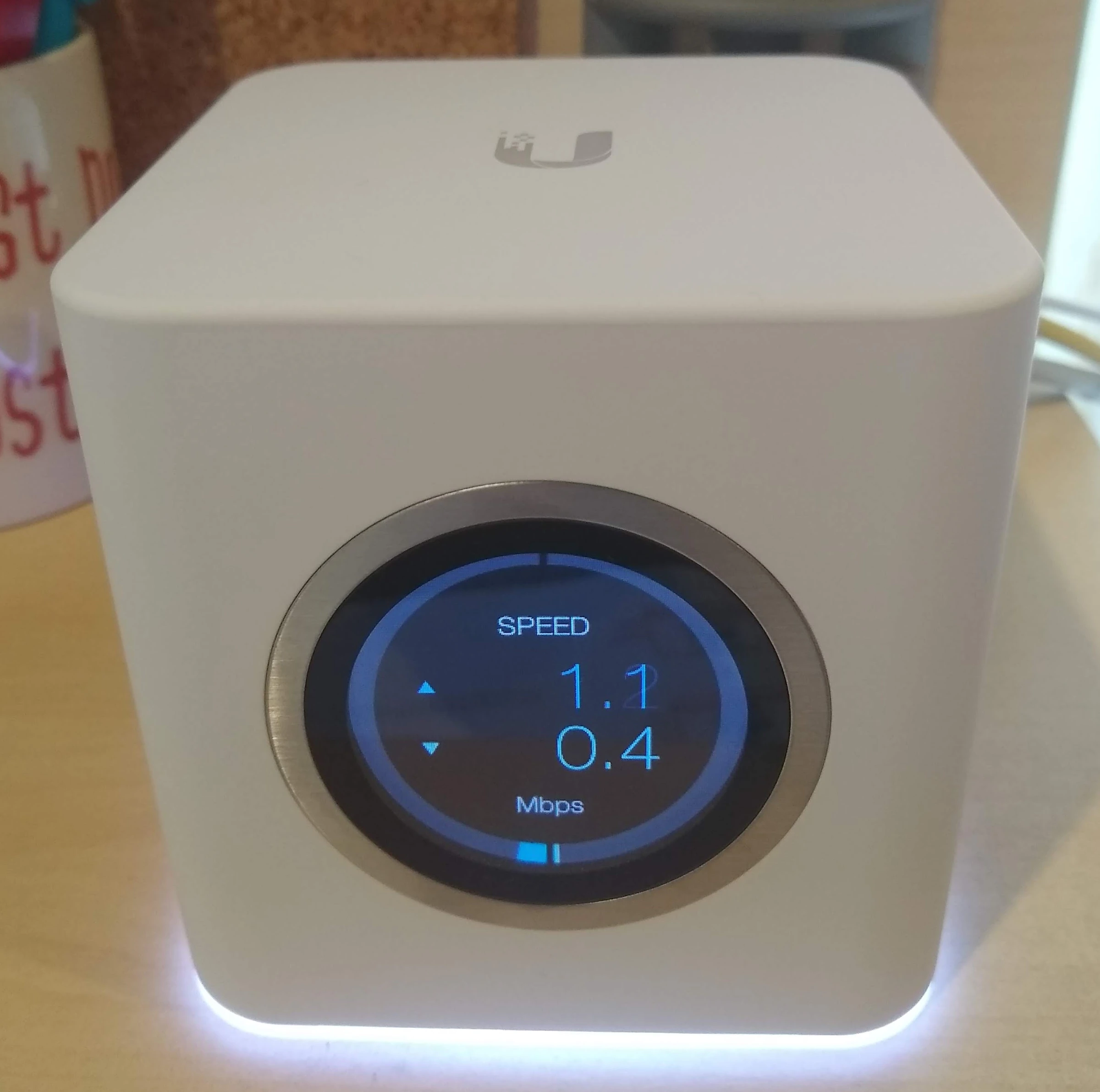
Mesh Wi-Fi router displaying connection speeds

We Speak English

Home Tech & TV

Wi-Fi, Router & Mesh Setup

Does the Wi-Fi keep dropping or miss a room? We can check your router and reconnect your devices. If you need a stronger signal in more rooms, we can set up an extender or mesh Wi-Fi system.

See the Areas We Cover

What This Service Covers

We look at where the signal drops and what happens when you use a device close to the router. That helps us decide whether to adjust your setup or look at an extender or mesh system.

When Wi-Fi Doesn’t Reach Every Room

Try the same short video or speed test on one device near the router and then in a room where Wi-Fi cuts out. Turn off mobile data during the test so your phone uses the Wi-Fi. If the problem only appears in the second room, write down where it happens and whether closing the door changes it.

If only one phone or computer gets disconnected, we check that device before suggesting changes to the whole network. If several devices lose internet even next to the router, we may ask you to speak to your internet provider about the line.

Make better use of your existing router

The router may be inside a cabinet, behind a television or at one end of the house because that is where the line comes in. We look at where it could sit, how much of the house it needs to reach and which rooms matter most to you.

An extender can help when there’s still a usable signal between the router and the problem room. If you already have mesh and a node has a weak connection, try moving it towards the next node or router and test again. We check your existing setup before recommending extra equipment.

Check the rooms and devices you actually use

Once the setup is agreed, we can test it with the devices you use in those rooms. A television that streams fine in the living room tells us little about the bedroom where a video call fails, so it helps to check both.

Changing a network name or password can mean reconnecting TVs, printers and cameras. Tell us what is already online so we can plan for the equipment you want to keep connected.

Common Reasons to Get Help

  • Calls break up upstairs or on the terrace.
  • The Wi-Fi icon shows a connection, but pages keep stopping.
  • A printer or TV began dropping out after a router change.

What to Send for a Quote

Tell us where the router sits, which rooms have trouble and whether several devices lose the connection at once. Include the model of any router, extender or mesh unit you’re already using.

  • List the rooms where you notice problems and the devices you use there.
  • Say whether the connection works in the room with the router.
  • Send the router and extender models with any password labels covered.

Questions About This Service

Can you set up a mesh kit I already own?

Send us the kit and router models. We can check how the units would connect to your existing network and where they could go.

Will a faster internet package fix Wi-Fi in the back bedroom?

The package affects the speed coming into the home. If the bedroom has a weak wireless signal, coverage may need attention even on a faster package.

Can you help if the router belongs to my internet provider?

Yes. We can review your existing setup and tell you which changes can be made at home and what you may need to ask the provider to do.

We Won’t Be Beaten on Price

Show us another quote for the same work and we’ll do it for 10% less.

Show Us Your Quote

Ways to get help

Local pickup and return

We can collect and return your device in La Marina and San Fulgencio. Ask about pickup in nearby areas.

Ask about pickup

Help at home

We can help with TV, Wi-Fi and device setup at your home, depending on the job.

Explore home help

Mail-in repairs

Book from across Europe and post us your device. Diagnosis is €25 plus return postage.

Book a mail-in repair