
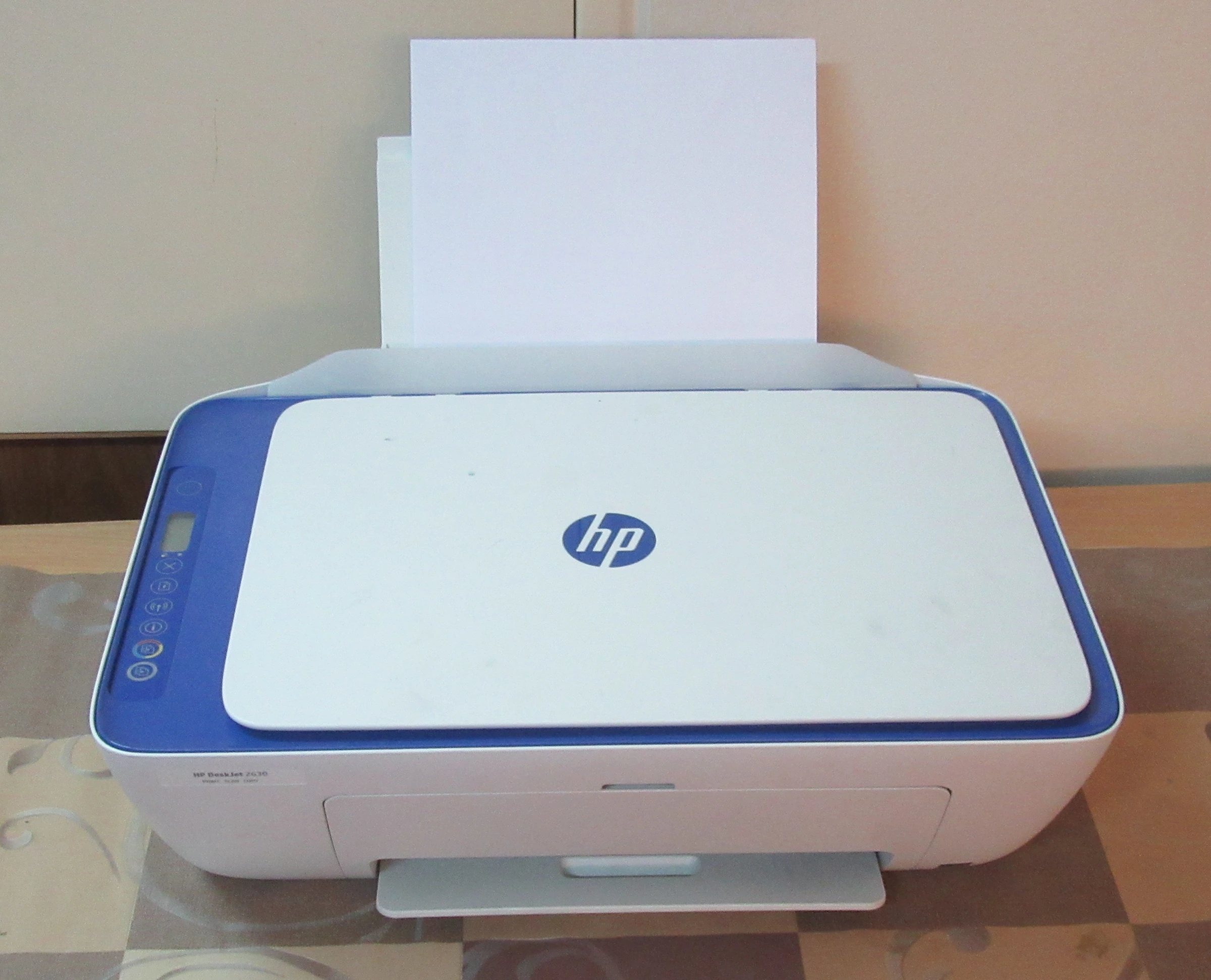

HP all-in-one printer and scanner

We Speak English

Home Tech & TV

Printer & Scanner Setup

If the printer says it’s offline, a document won’t print or the scanner has stopped working, get in touch. Tell us the printer model and whether you print from a computer, phone or tablet. We can set up wireless printing and scanning on compatible devices.

See the Areas We Cover

What This Service Covers

If the printer can make a copy but won’t print from your phone or computer, we start with the connection and print settings. For scanning, we check how the scanner is connected and where you want to save the files.

Separate a connection problem from a printer fault

A printer that can make a copy on its own is giving us a useful clue. If it can copy but your computer says it is offline, we start by checking how the computer finds the printer and where it is sending the job.

If the printer itself has a paper, ink or hardware warning, let us know before booking. Send the model and exact message so we can explain whether setup help is likely to solve it.

Get printing working on the devices you use

A new router, laptop or phone can leave an old printer connection behind. We check which network the devices are using and help you choose the right printer on each compatible device. Some printers can also connect directly to a computer with a suitable cable.

We can check that a test page comes out as you expect and show you where to select paper size, colour or double-sided printing if your equipment offers those settings. Bring a sample page without private information if a setting is hard to describe.

Know where your scanned files go

A scanner can save files to a computer or through an app, depending on the model. Tell us what you want to do after scanning, such as keeping copies of letters or sending several pages as one PDF. We can choose the setting that fits.

If a machine prints but will not scan, that is a useful distinction. We can look at the scanning connection and software separately and test where the finished file is stored so you can find it later.

Common Reasons to Get Help

  • The print queue says “Offline” or jobs sit there without printing.
  • A new phone or computer cannot find the printer on Wi-Fi.
  • You can print but cannot scan, or cannot find the scanned file.

What to Send for a Quote

Send the printer or scanner model, what you’re trying to print or scan from and any error message. Mention if it started after you changed your router, phone or computer.

  • Send the printer or scanner model and the exact error message.
  • Tell us which phones and computers you want to connect.
  • Keep some paper and a blank or sample document ready for a test.

Questions About This Service

Can I print from both my phone and my computer?

If the printer supports both, we can set up each device. Tell us whether you use an iPhone, an Android phone, Windows or a Mac.

Can you help me scan several pages into one file?

Yes, if the equipment and software support it. Tell us the model and whether you use a document feeder or place each page on the glass.

Can I keep using a printer that has no Wi-Fi?

It may still work with a compatible computer and cable. Send its model and tell us what you want to print from so we can check the options.

We Won’t Be Beaten on Price

Show us another quote for the same work and we’ll do it for 10% less.

Show Us Your Quote

Ways to get help

Local pickup and return

We can collect and return your device in La Marina and San Fulgencio. Ask about pickup in nearby areas.

Ask about pickup

Help at home

We can help with TV, Wi-Fi and device setup at your home, depending on the job.

Explore home help

Mail-in repairs

Book from across Europe and post us your device. Diagnosis is €25 plus return postage.

Book a mail-in repair